
 Step-by-step 3D guides for Minecraft
Never guess the next block.
Pick a build, turn it around in 3D and follow it layer by layer. Every block, in the right order, until it stands in your own world.
- Free 3D preview on every build
- Free materials list
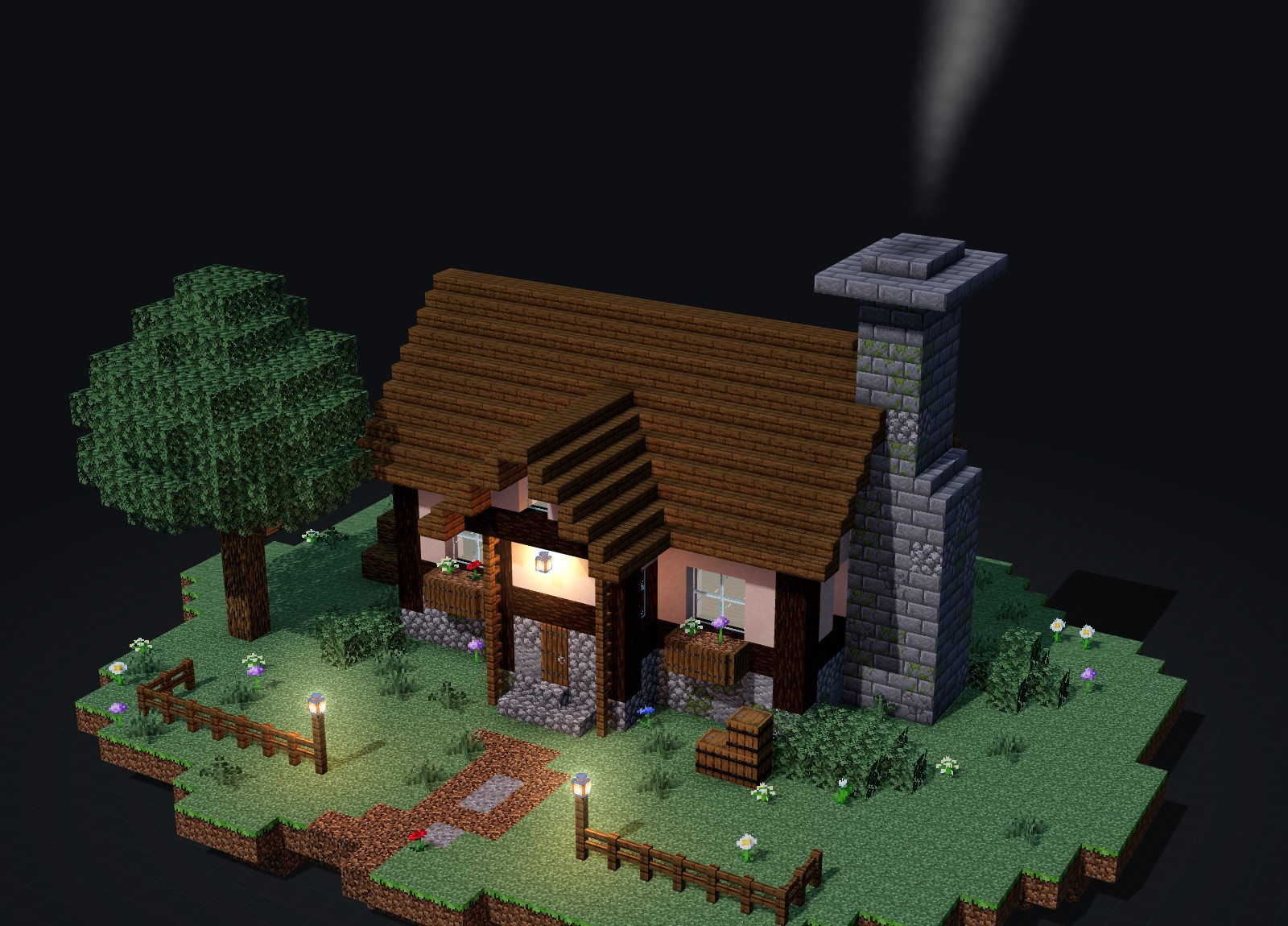
From empty plot to finished build
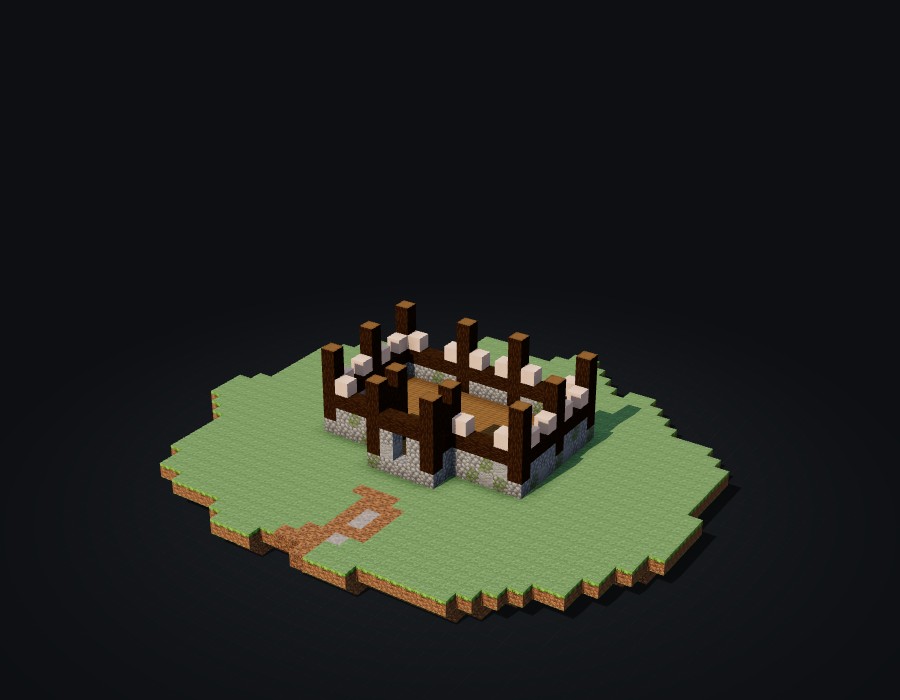
Pick a build
Browse by type, style and size. Every build shows the finished result first, so you know what you are making.
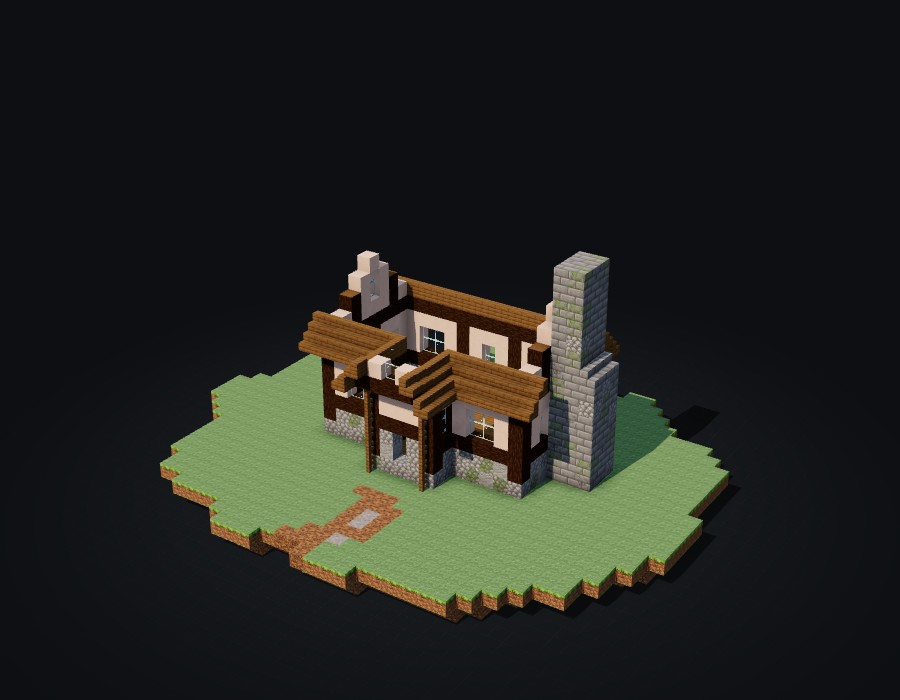
Follow every layer
The 3D guide shows which blocks go where, one step at a time. Turn it, zoom in, and see exactly what to place next.
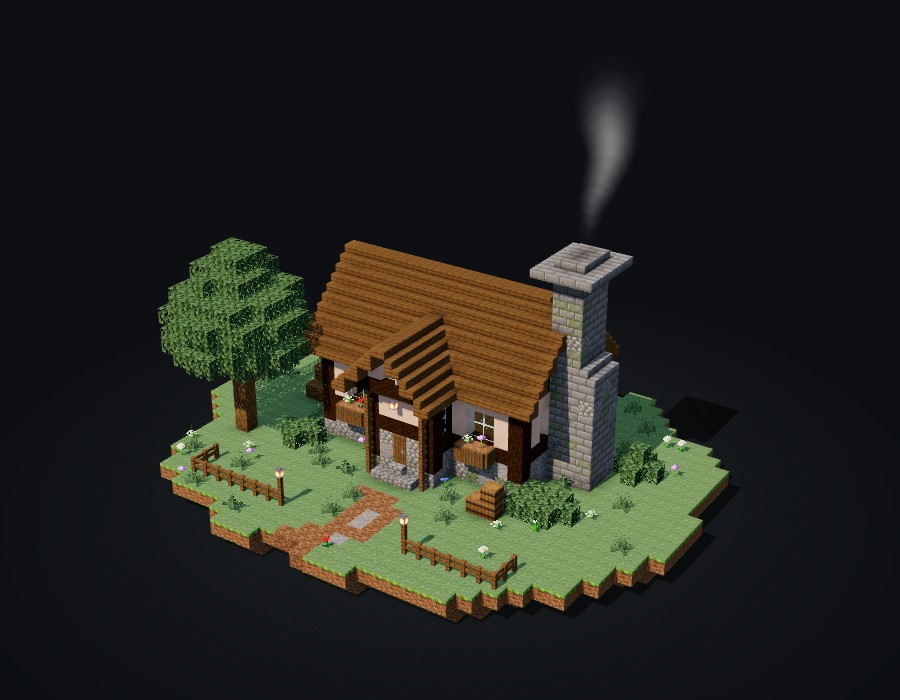
Build it in your world
Survival or creative, at your own pace. Your progress is saved, so you can stop and pick up where you left off.
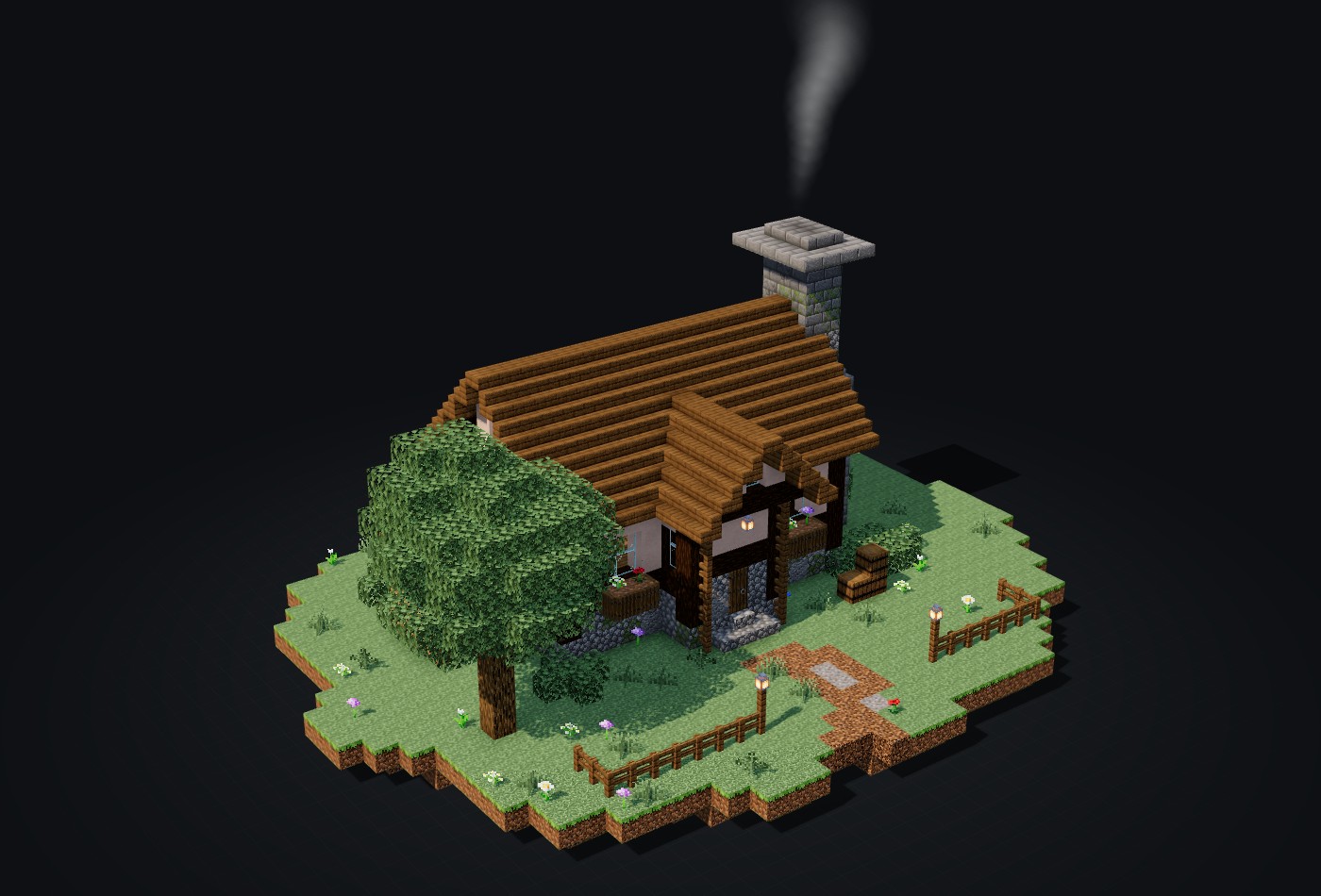
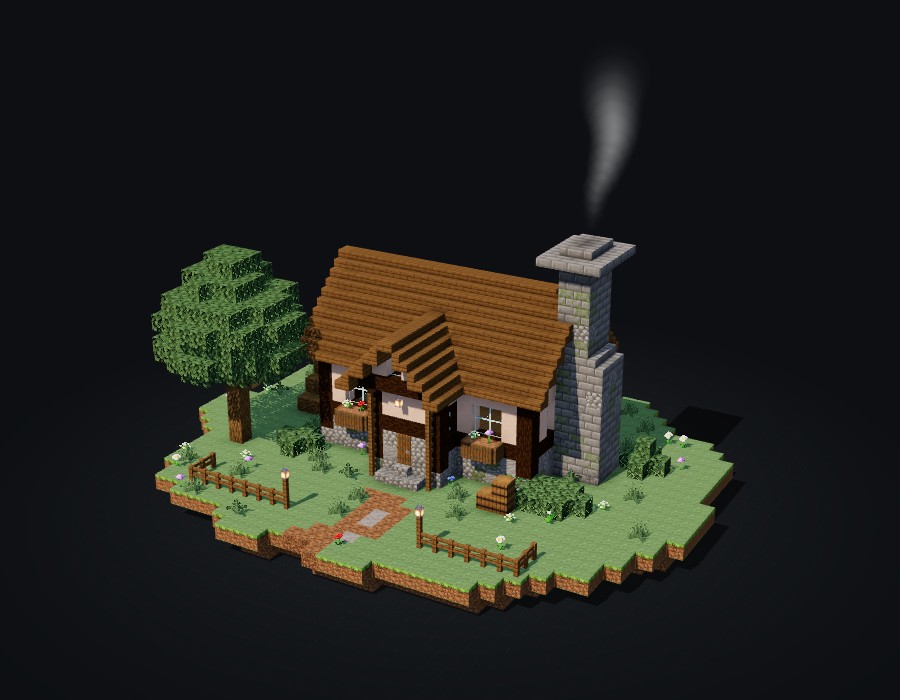
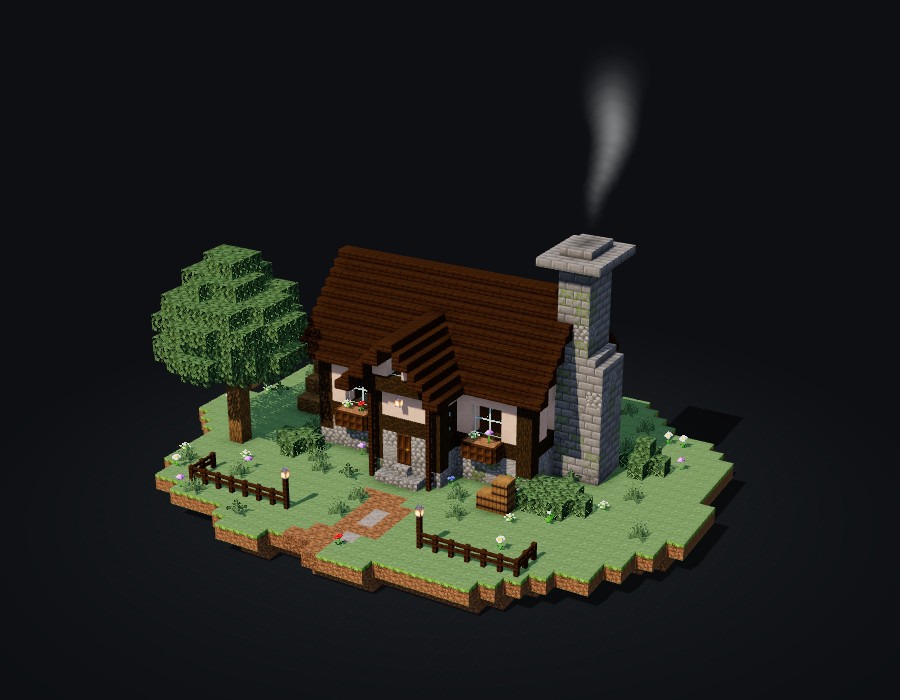
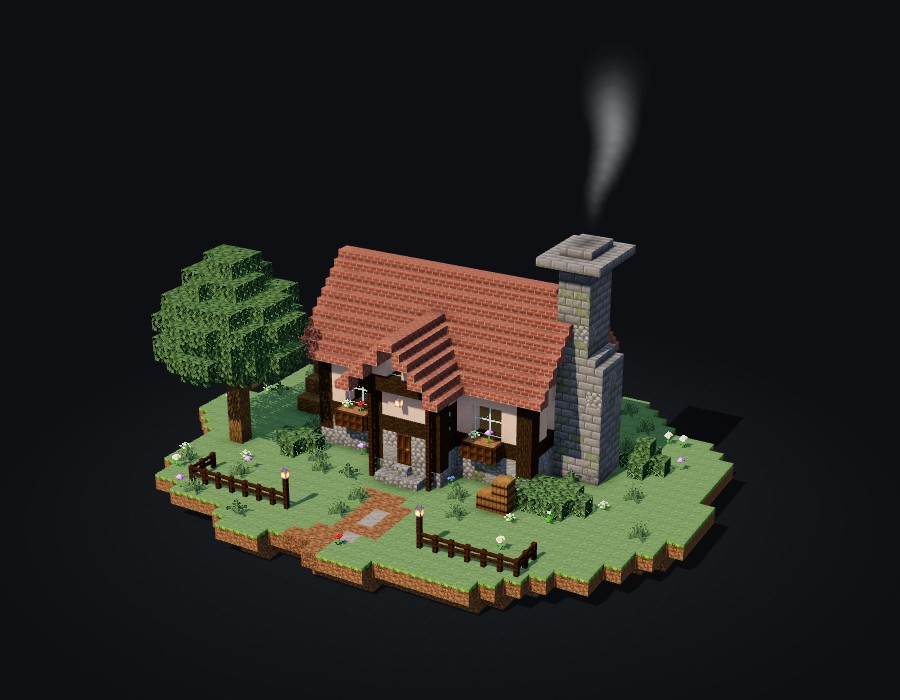
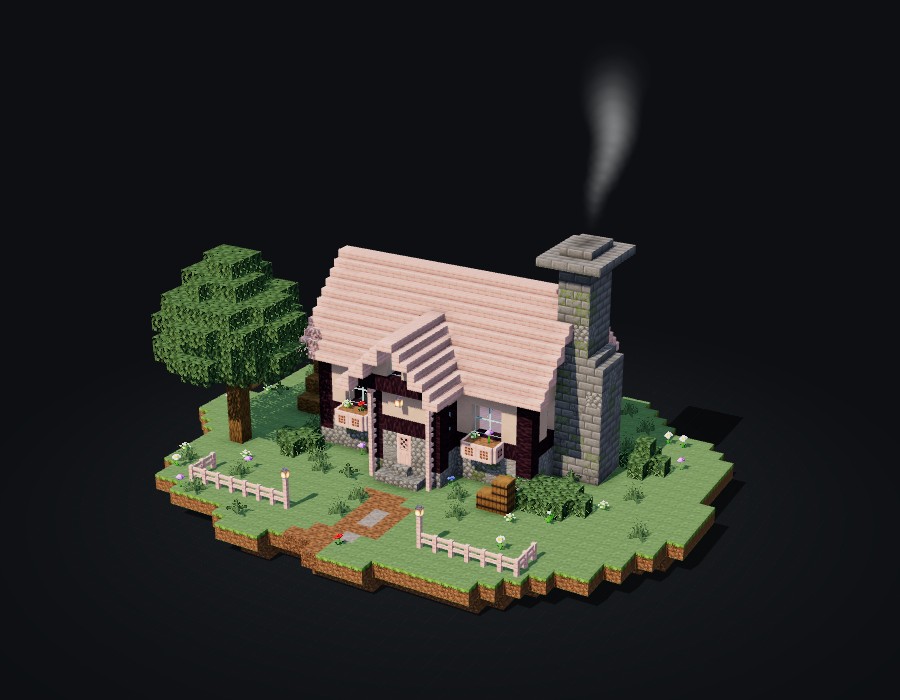
Hollowbrook Cottage
A timber-framed cottage with a stone chimney, a small porch and window boxes full of flowers, on its own patch of garden.
What do you want to build?
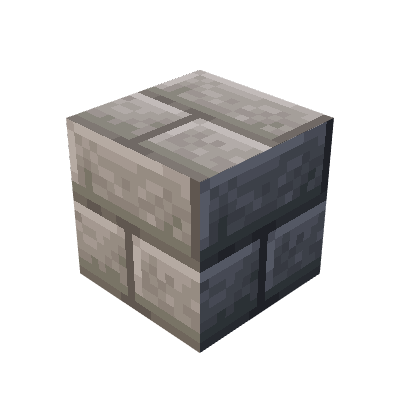
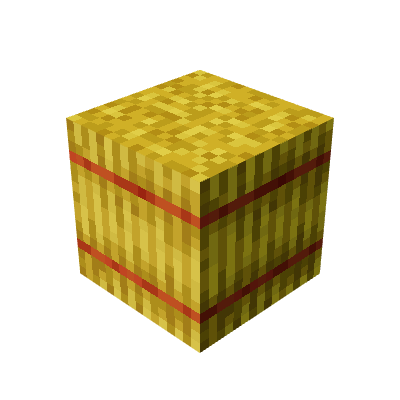
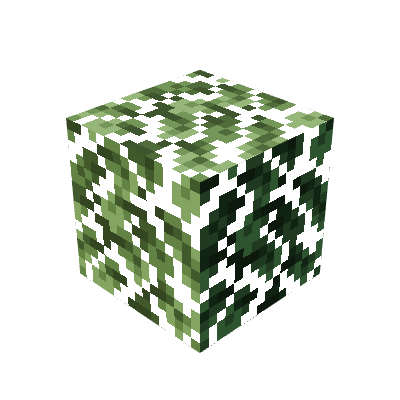
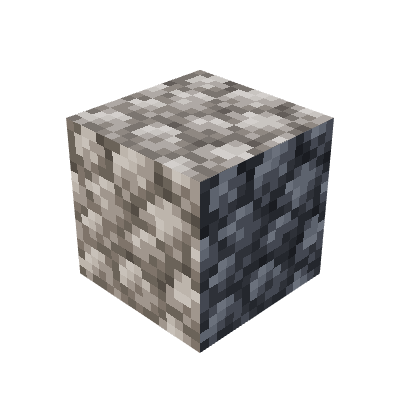
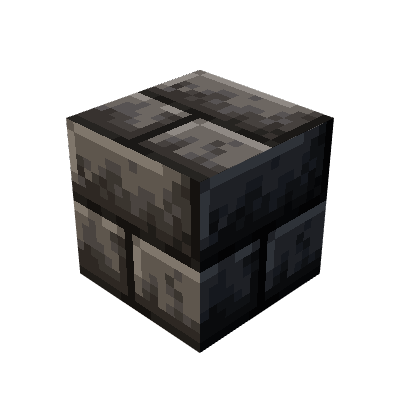
One build, four looks
Pick the blocks you like before you start. Every style is a complete version of the build, with its own materials list.
Unlock every build
Look around every build for free. Go Pro when you want to build it step by step.
- Everything in Free
- Layer-by-layer 3D guide for every build
- Schematic downloads (.litematic, .schem, .mcstructure)
- Progress saved on all your devices
Questions
What can I see for free?
Every build has a free 3D preview, photos, a video and the full materials list. The layer-by-layer guide and the downloads are part of Pro.
Does it work for Java and Bedrock?
Builds use standard blocks, and every build page shows which editions it works in.
Do I need mods?
No. You follow the guide on your screen and place the blocks yourself. If you use Litematica, Pro lets you download the schematic too.
Can I cancel any time?
Yes. You keep Pro until the end of the period you paid for.